Clickable words in Illustrator’s Control panel
You may have noticed that some of the functions in the Control panel in Adobe Illustrator are blue with a dotted line underneath – they’ve actually been around since at least Illustrator CS2. 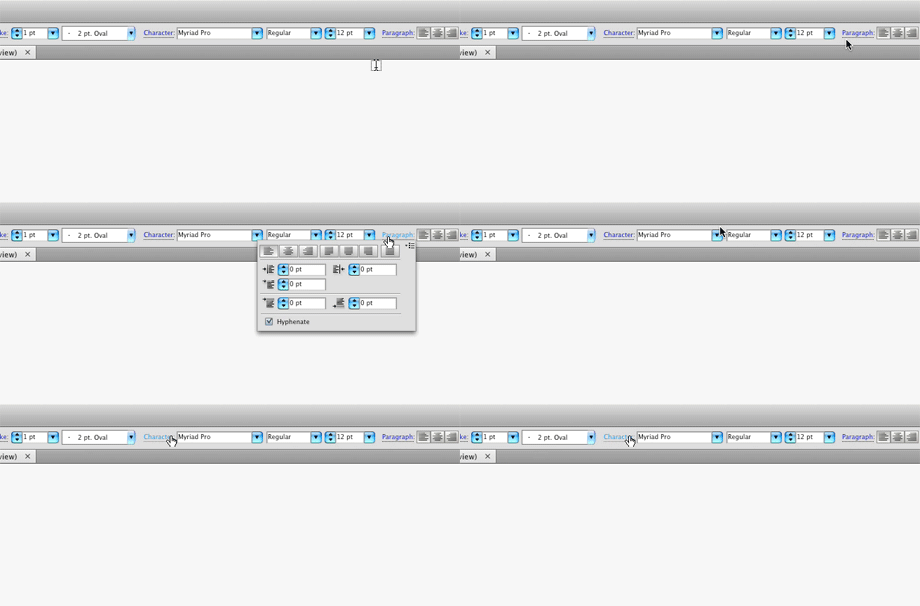 Those blue words with the dotted underline mean that particular function is clickable. When you click on the function name, the appropriate panel for that function opens on the fly (see screenshot above). The panel will close when you click anywhere in the document, or select a different tool. The Control panel is already context-sensitive, meaning it changes depending on which tool you have active, but this clickable function feature makes it even more handy because you don’t have to keep as many panels open to have them readily available, nor do you have to use a keyboard shortcut.