Using your mouse with scroll wheel to zoom in…
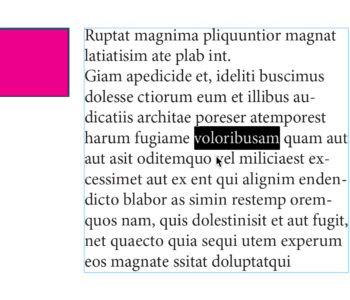
You probably knew that when you’re in Adobe InDesign and you have a mouse with a scroll wheel, you can scroll horizontally by holding the Shift key down. But did you know that if you hold the Command key down and scroll you zoom in and out on your page. And when you do that, InDesign scrolls in or out focusing wherever your mouse is on the page.