
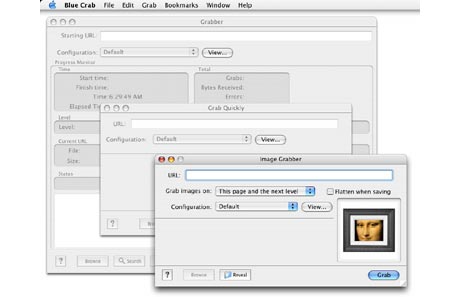
Blue Crab is a versatile program that you use to copy the contents of a website to your computer, in whole or in part, conduct fast offline browsing and searching without an internet connection, create a snapshot of a website for historical archiving, collect specific types of resources such as images or email addresses, search current content more thoroughly than a search engine right on your own computer and check a site for broken links, or generate an HTML site map.
This is perfect for Web designers and developers looking to learn how other sites are built, or to archive sites you want to view and store locally.
- Conduct fast offline browsing and searching without an internet connection.
- Create a snapshot of a web site for historical archiving.
- Collect specific types of resources such as images or email addresses.
- Search current content more thoroughly than a search engine right on your own computer.
- Check a site for broken links, or generate an HTML site map.
- Perform batch downloads of URL's.
- Create full page images of URL's (JPEG, BMP, TIFF, PNG, PSD, etc.).
With Blue Crab you can download all the content including HTML, PDF, graphics, video, file archives, etc., or use selective filtering to restrict downloads to specific kinds of files. For example, you can choose to save only the JPEG images Blue Crab finds, or just the PDF's.
BlueCrab ($25) works on OSX 10.4 or higher and is a Universal Binary application.





Post new comment