Bad direct mail

How to design direct mail so nobody opens it

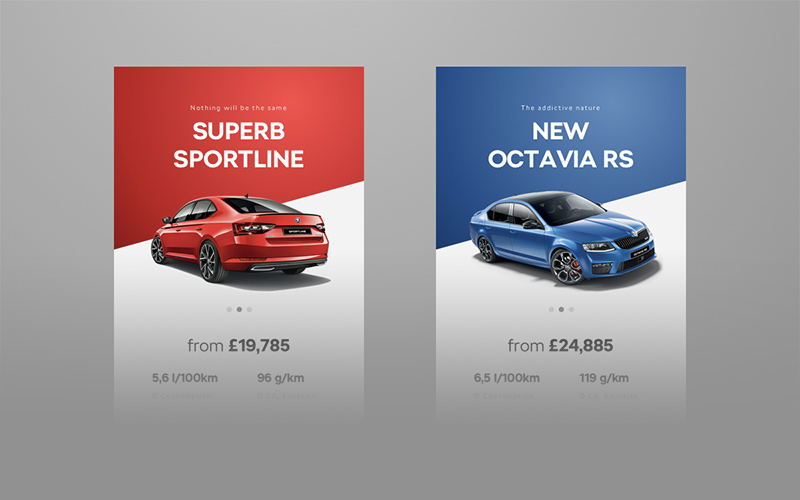
With so much competition in the consumer’s mailbox, you have to design a direct mail piece for clear readability and quick communication of your message. Tell the reader too much and you risk them not reading the entire piece. Don’t tell them enough and they lose interest and toss it in the bin.

Rather than go into all the best practices of designing direct mail, I thought I would share my thoughts on a direct mail piece I received recently.


Read More...
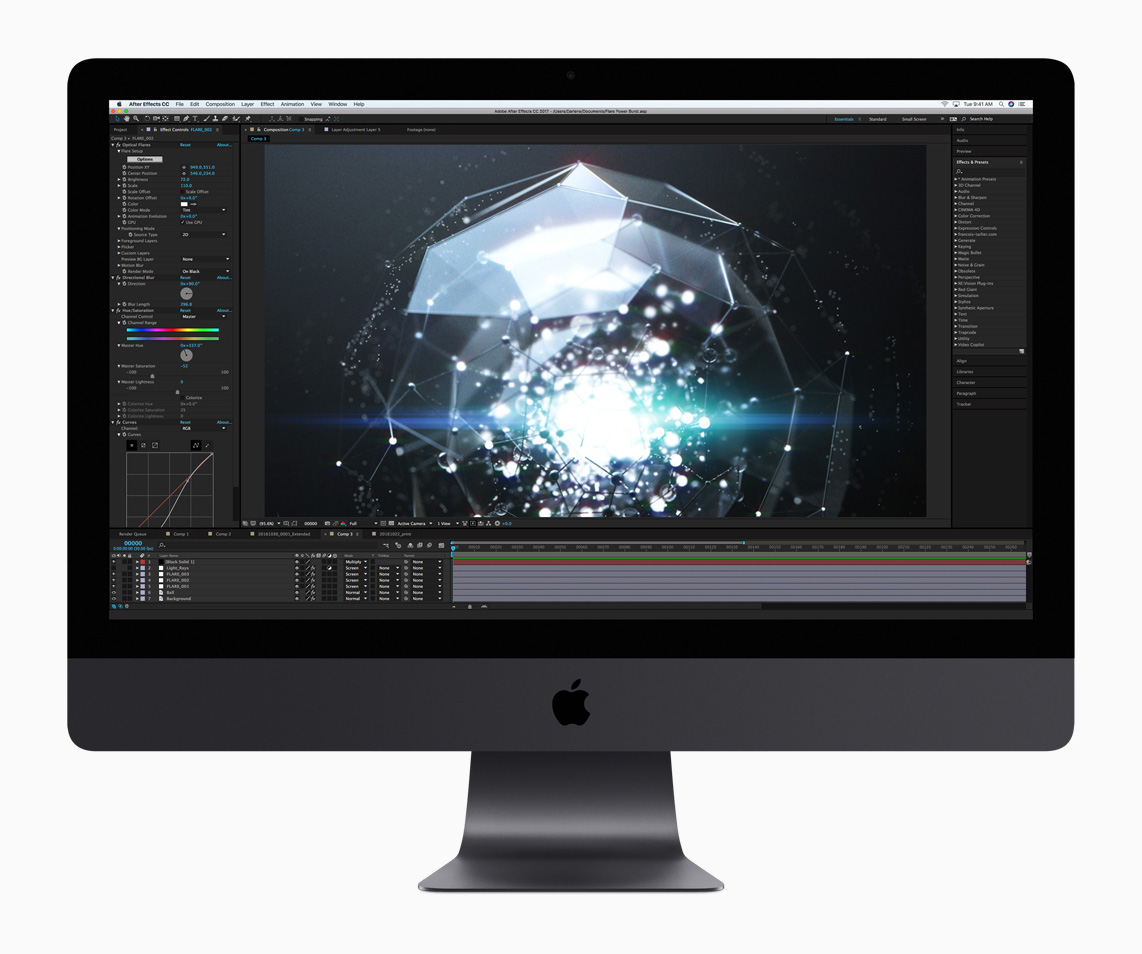
iMac 27"

The iMac 27″ for graphic designers: part 1

After six years of using the original Mac Pro as my main workhorse, I finally took the plunge this past Christmas and upgraded to Apple’s latest 27” iMac. It’s the first Mac I’ve owned since the Quadra 650 back in the mid 90s that wasn’t a tower model. It was a scary decision for me, but one I’ve been delighted with so far.

This is part one of a two-part review of the iMac. It covers a little history and what drove me to the iMac, as well as my overall opinions of the new iMac hardware. In part two, coming next week, I’ll cover performance using typical graphic design apps.

If you have any questions or comments, please leave a comment!


Read More...

For the love of God, PLEASE NAME YOUR LAYERS. There’s nothing worse than opening a Photoshop file with 50 layers that are named Layer 1, Layer 2, Layer 1 copy, Layer 4 copy, Layer 4 copy 2 (you get the idea). It makes it extremely difficult to work with later on; especially if that Photoshop file was created by someone else.

Name your layers in a short but descriptive manner. And don’t be afraid to group things into Layer folders. Photoshop even has a Note tool you can use (found under the Eyedropper tool). You’ll have a much easier time editing it later, and anyone else that has to work with the file will thank you.

The Graphic Mac update

The Graphic Mac’s new look

As I looked through the analytics for The Graphic Mac over the last year it became increasingly obvious that more and more users were viewing it on iPhones and iPads. Unfortunately, the old theme of the site didn’t work very well on mobile devices. It was also quite cluttered. So I started looking for something a little cleaner to use.

The categories are listed in menus (when applicable) at the top in a desktop browser, but when you view it on a mobile device (or simply by resizing your browser window to be really thin), it places the navigation in a small drop-down style menu. The content is a lot more readable on mobile now.


Read More...