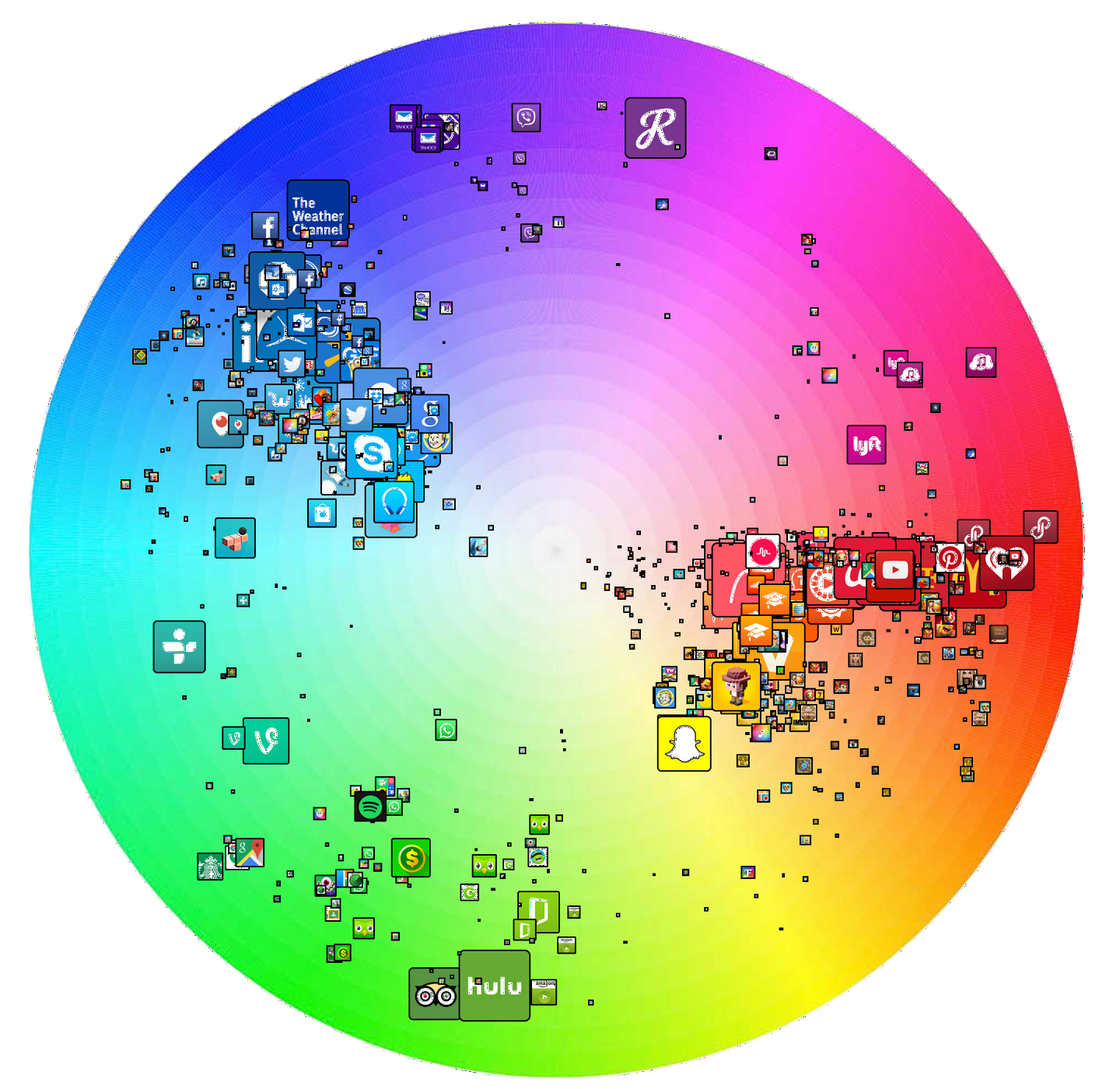
Free brand icon collection
Simple Icons is a collection of 100 brand icons, available in PNG format in eleven different sizes ranging from 16 to 4096 pixels. You can download Simple Icons from Smashing Magazine here.
Read More...
Simple Icons is a collection of 100 brand icons, available in PNG format in eleven different sizes ranging from 16 to 4096 pixels. You can download Simple Icons from Smashing Magazine here.
These 75 eCommerce icons are available in PNG format in two sizes (99×66 and 64×43), and are absolutely free for private and commercial use. A blank PSD is also included in the ZIP file.
Famous icon artist, Louie Matia, has made available his De Anza collection of icons. They perfectly match the folders used by Mac OS X.
Pictonic Cube is a free icon font set that includes the most useful UI elements for your user interface design projects.
For all you e-commerce entrepreneurs, business owners and web designers, DesignContest has created this highly usable and stylish Ecommerce and Business Icon Set.
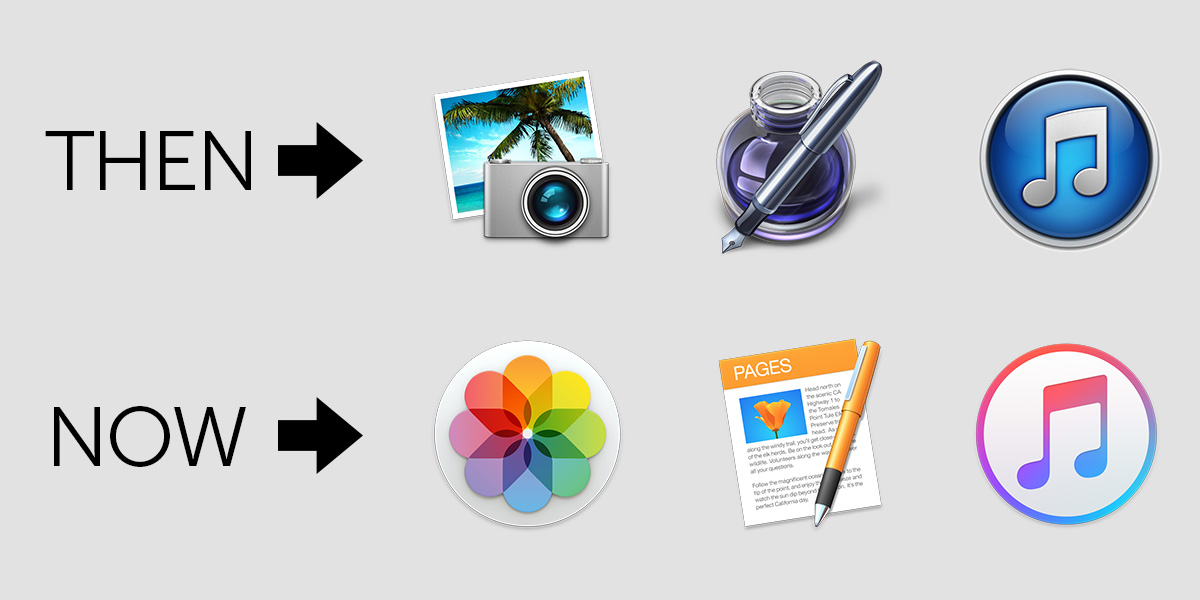
Back in the day of Mac OS 7, 8 and 9, Apple didn’t make it too terribly difficult to customize the OS with themes and custom icons. Theming your desktop was so popular that it was nearly its own sub-culture. Theming websites sprout up almost weekly, offering window themes, icons, and other theming items. There were literally thousands of options. But that all changed when Apple released Mac OS X.
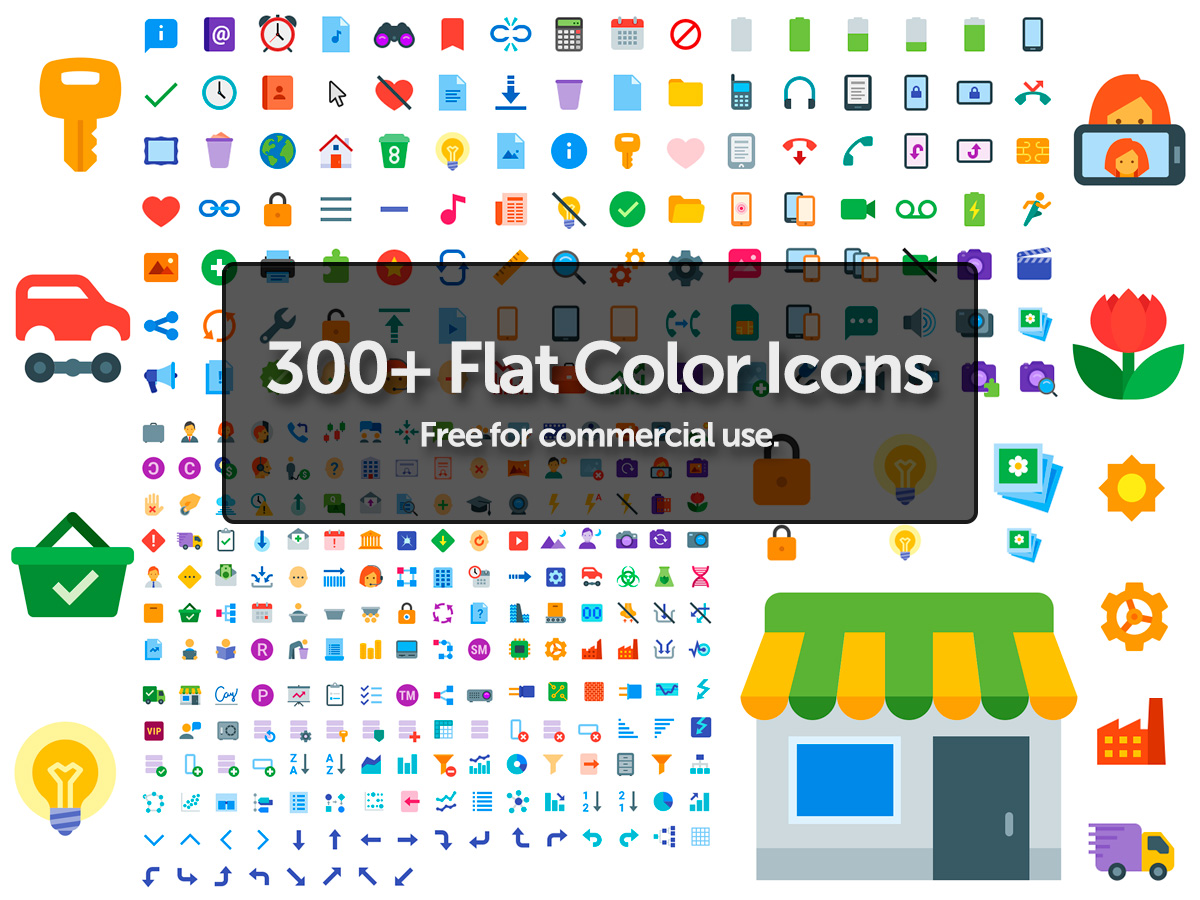
This icon set including 91 icons in PSD format – and feature vector masks you can export to Illustrator for further editing.

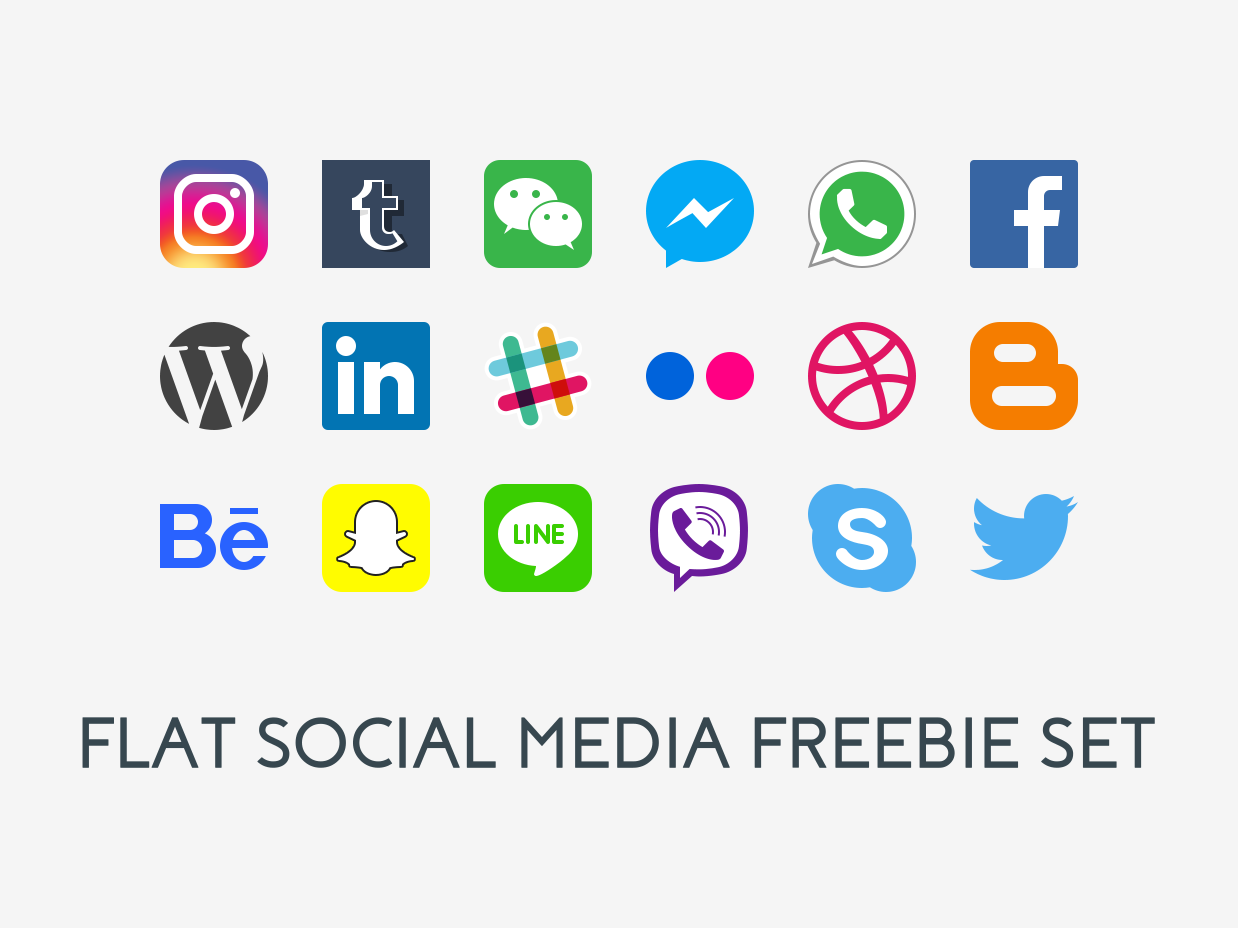
This social media icon set was created in Illustrator CS5 and contains 25 scalable vectors complete with semi-transparent shadows for use on various types of backgrounds. The download contains a .zip file with the original .ai file and an .eps version as well. Icons are available for use in personal and commercial projects.
I often see comments on Mac OS X feature-related articles from users who feel that Apple should include this or that feature. No matter how obscure the feature request is, they’re convinced that the whole world could use it.
I normally ignore such fluff, but this past week I managed to come up with a list of a few things that I think Apple should build-in to Mac OS X to make me happy. Because you know if I want it, chances are that everyone else on the planet does to, right?
Sometimes a little info goes a long, long way. While you can do a Get Info (Command + i) on a selected file, it would be easier if you could see just a little info without the hassle of a keyboard command – such as how many files are contained in a particular folder, or the dimensions of an image file. Once again, Apple thought of the little things.