 Apple | Mac
Lock Your Keyboard for Cleaning
One of the quirks of owning a MacBook Pro is having this obsessive desire to keep the keyboard clean and free of dust, food particles, pet hair
Cleaning the keyboard is doable on an external keyboard, but on a modern MacBook, it’s impossible. Why? Because touching any key either

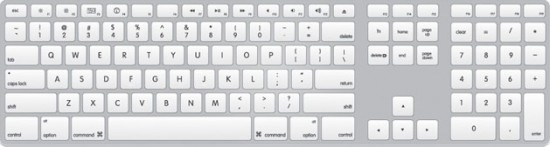

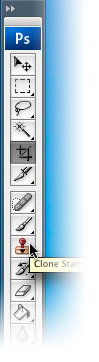 Here are some frequently used keyboard shortcuts to toggle various tools in Photoshop. There are more, but these are the ones I use the most: “B” for Brush “C” for Crop tool “E” for Eraser “I” for Eyedropper “J” for Healing Brush tool “K” for Paint Bucket “L” for Lasso tool “M” for Marquee Selection tool “N” for the Notes tool “O” for the Burn/Dodge/Sponge tool “P” for the Pen tool “R” for Blur/Smudge tool “S” for Clone Stamp tool “T” for Type tool “U” for Shape & Line tool “V” for Move tool “W” for Magic Wand tool “Y” for History Brush tool