Adobe is at it again…
Adobe is like your kids that just can’t stay out of trouble. You love them, but you just want to kill them sometimes (that’s a bit extreme, but you get the idea).
Read more “Adobe is at it again…”
Adobe is like your kids that just can’t stay out of trouble. You love them, but you just want to kill them sometimes (that’s a bit extreme, but you get the idea).
Read more “Adobe is at it again…”
Too awesome not to share. This feature alone could make me love Illustrator again.
Read more “Adobe Illustrator Sneak Peek for the win!!!”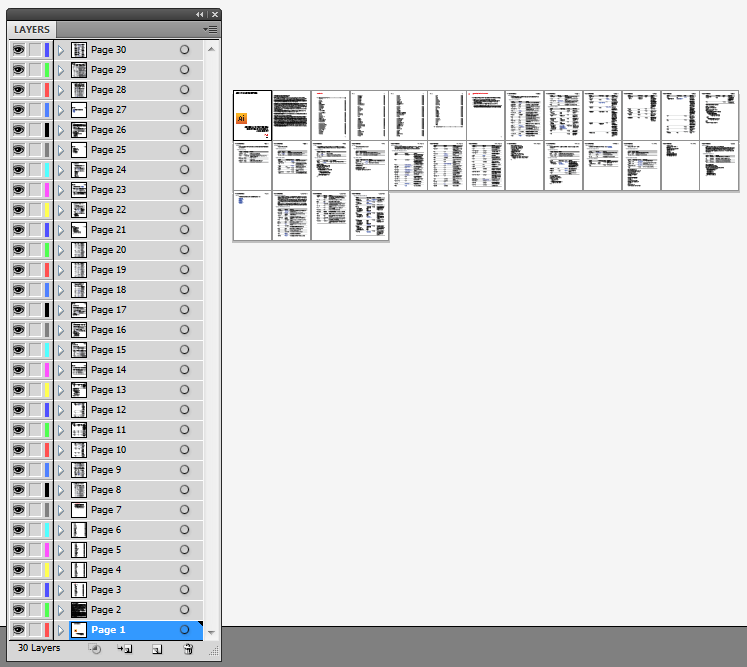
Not a whole lot needs to be said about this. Download the free script for Adobe Illustrator to allow you to open multi-page PDFs – each page being placed on its own artboard.
Adobe released the latest major updates to their CreativeCloud apps this past week, and I’m happy to report that they’re running smooth as silk on macOS High Sierra—both the standard release version as well as the beta version.
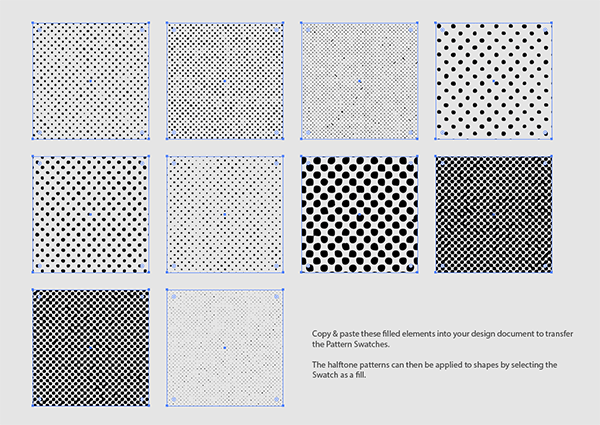
This free set of distressed halftone patterns for Adobe Illustrator contains 10 seamless vector swatches that can be applied as fills to add retro comic book style print effects to your illustrations. There’s a range of dot pattern densities so you can effectively shade your designs by using the different pattern fills across your artwork. Unlike your typical halftone pattern with clean, perfectly formed circles, these patterns have a distressed style to give your designs that grungy rock poster vibe.
Read more “Free distressed halftone pattern vectors”
I belong to a lot of design forums and Facebook Groups and the question I see more often than I care to think about is “which app should I use to do X?” Should I design a logo in Photoshop, build an ad in Illustrator or InDesign, etc.
Read more “Advice: When to use Photoshop, Illustrator or InDesign”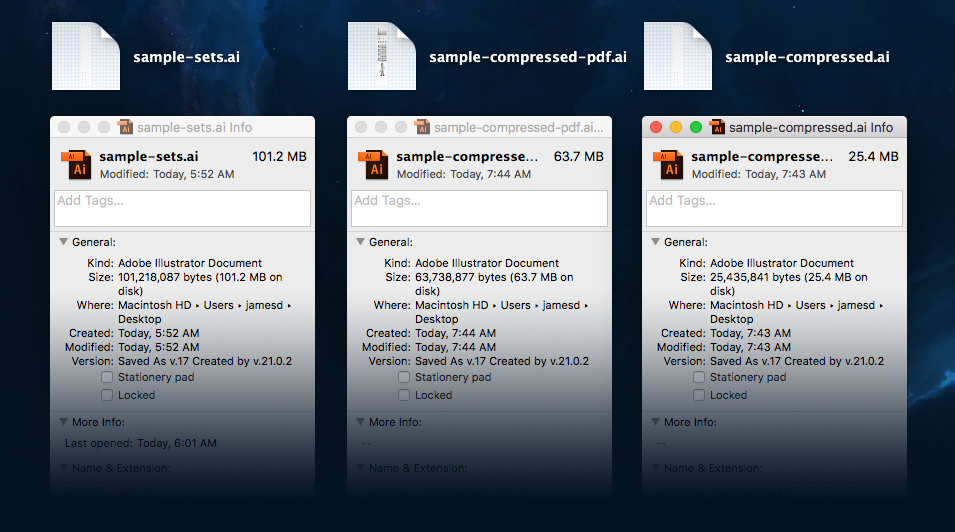
If you’ve used Adobe Illustrator for any amount of time, you’ve probably created a complicated piece of artwork. Those files can be fairly large, making file transfer and storage cumbersome. Thankfully there’s a simple way to drastically reduce your file sizes.
Read more “How to make your Adobe Illustrator documents much smaller”
Unless you’re a heavy-duty Illustrator user, you probably didn’t even know you could do some of this stuff. This how-to video is worth taking a look at.
Read more “Using Adobe Illustrator’s Blend tool”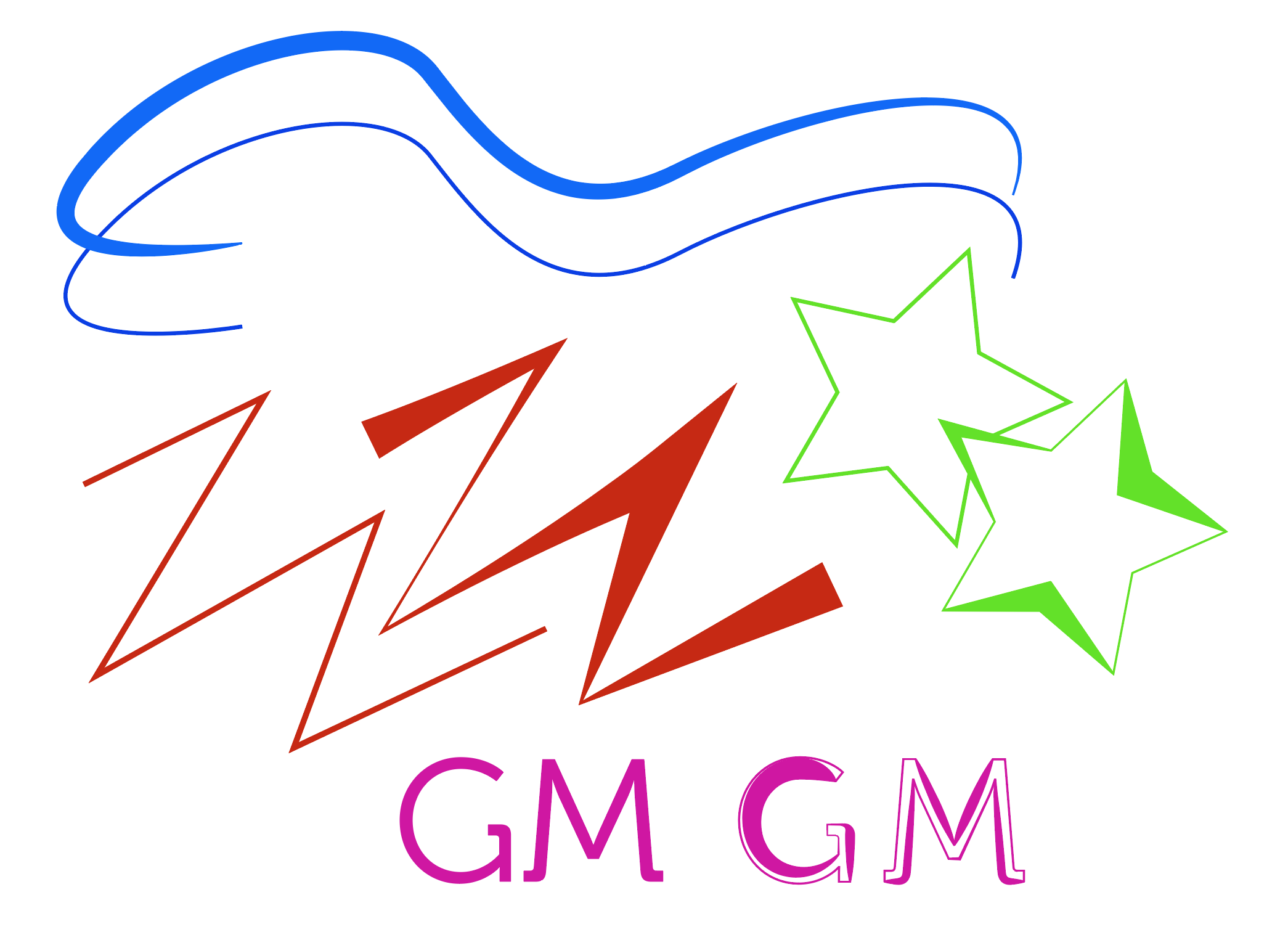
Adobe Illustrator has an awesome tool that I’m willing to bet most designers have never used. The Width Tool.

EpicPxls has provided the new Google logo, and icons for Google, Google+, Maps, News, Business and Translate in vector format. They look great. At first glance, anyway.
Read more “New Google logo & icons in vector format”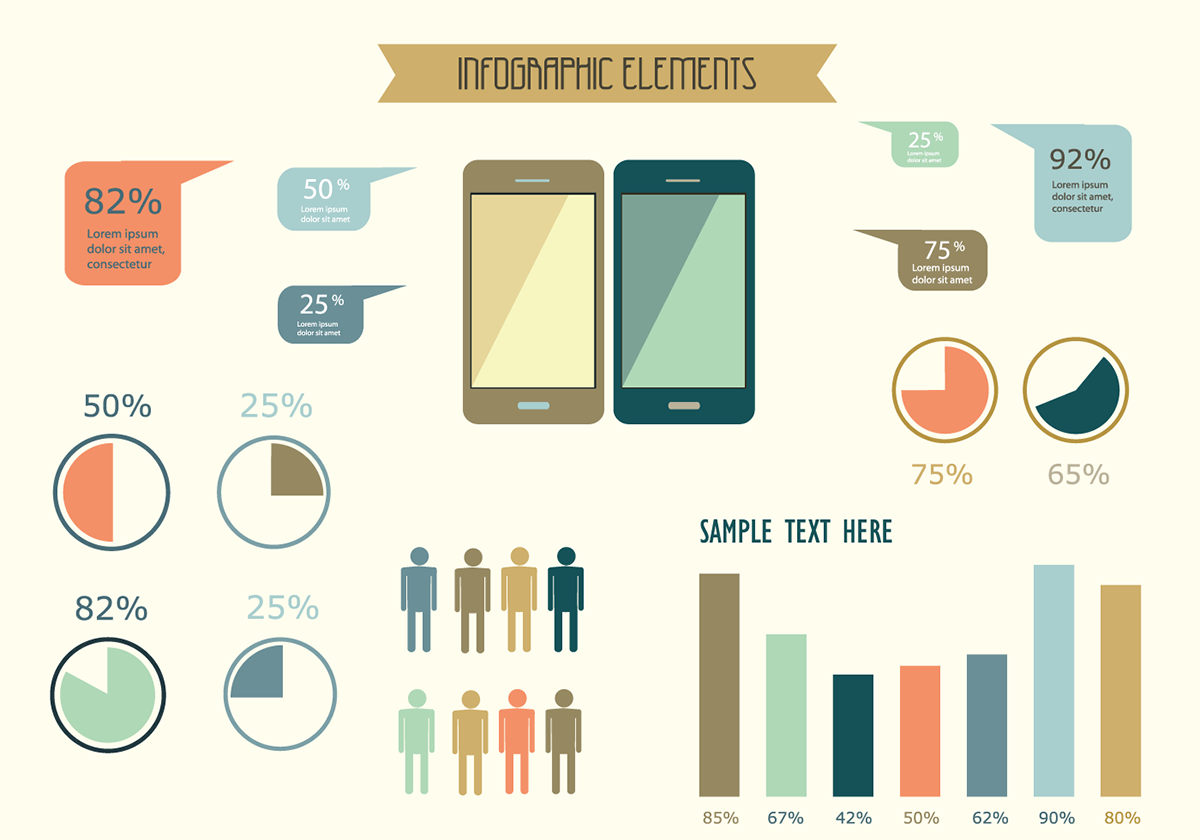
Today I’ve got another exclusive freebie from Vecteezy for you.
Mobile data infographics will likely come in handy if you have to build any sort of charts, graphs or infographics in your Keynote presentation, website or print design.
Read more “Exclusive: Free mobile data infographic vectors”