 Adobe InDesign
Switch InDesign Paragraph Styles Quickly
This video tutorial will show you how to switch InDesign paragraph styles quickly and easily.
Read more “Switch InDesign Paragraph Styles Quickly”
Adobe InDesign
This video tutorial will show you how to switch InDesign paragraph styles quickly and easily.
Read more “Switch InDesign Paragraph Styles Quickly” Adobe InDesign
Most designers know how to create styles, but few go beyond the basics. This short video will show you how to use InDesign’s Based On Styles.
Read more “Using InDesign’s “Based On” Styles”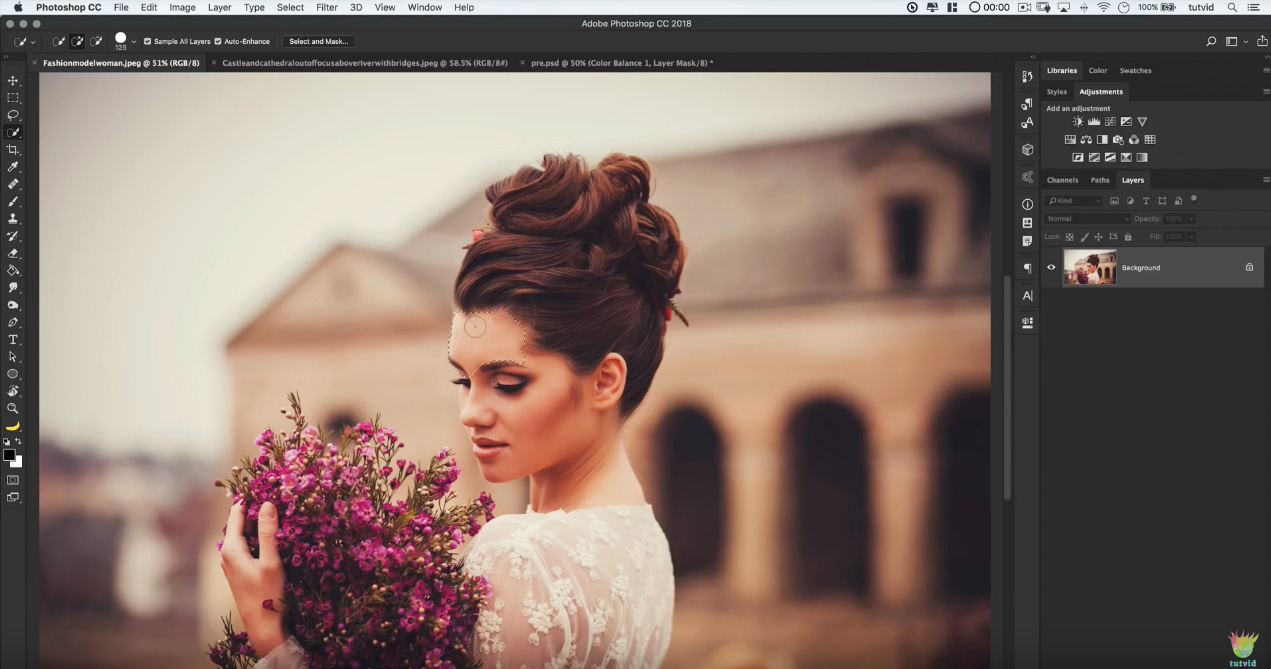 Adobe Photoshop
I’ve used a lot of methods over the years for clipping out (Masking) people with wild, frilly hair and difficult subjects from a background in a photo. I’ve seen countless videos purporting to make your life easy by showing you a new method. NONE have been as easy as this one!
Read more “The FASTEST way to cut out hair in Photoshop”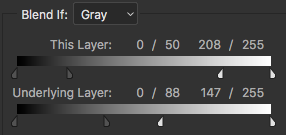 Adobe Photoshop
I’ve shared a lot of tips and how-tos for Photoshop over the years, and I’ve trained several production artists and designers on how to use and improve their skills in Photoshop. But one of those things that really hard to explain is color and how to use the features in Photoshop that are related to color. Features like “Blend If.”
Read more “The one Photoshop video you MUST watch”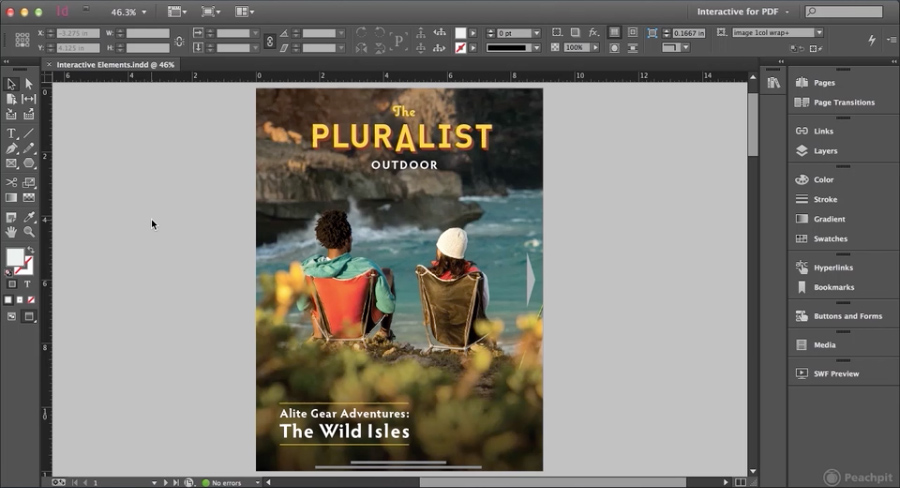 Adobe InDesign
Learn how to add interactivity to an InDesign document, and export it as an interactive PDF file.
 Adobe Photoshop
This sums-up so many Photoshop tutorials I find nowadays.
Read more “Video: Most Photoshop tutorials in a nutshell”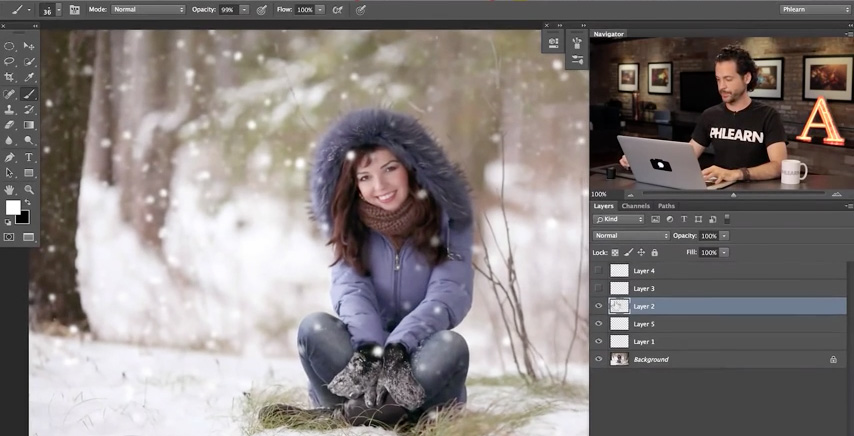 Adobe Photoshop
Great little video tutorial on how to add some realistic fluffy snow to your Adobe Photoshop image.
Read more “How to add snow to your Photoshop image” Adobe Illustrator
Adobe Illustrator has an awesome tool that I’m willing to bet most designers have never used. The Width Tool.
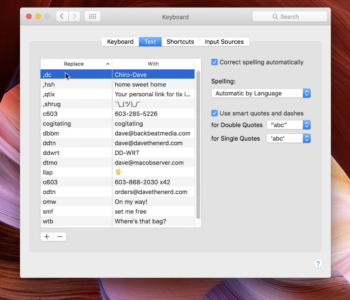 Apple | Mac
It’s so simple that I can’t imagine anyone ever figuring it out on their own.
Read more “How to backup your Text Substitution settings” Adobe Photoshop
Cristen Gillespie has a great article over at CreativePro that will help you understand and use Adobe Photoshop’s Isolate Layers feature. Isolate Layers lets you work on objects without having to search through dozens of layers, locking or hiding everything that might get in your way.
 Adobe Illustrator
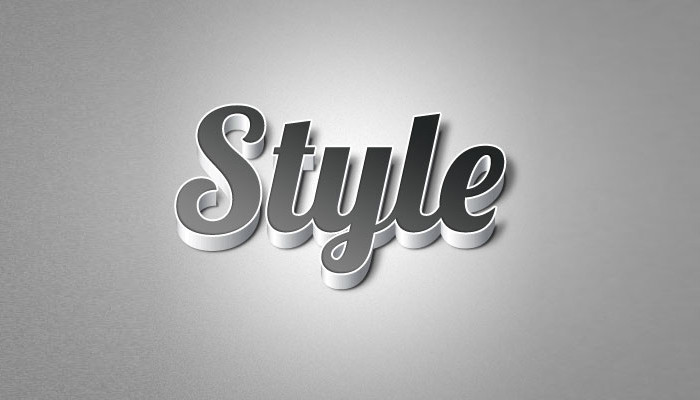
Clean and modern 3D type is a cool effect, and it’s surprisingly quick and easy to create. With the combination of Photoshop and Illustrator, this effect is can be created in minutes. Here’s a quick tutorial on creating 3D type from WeGraphics on how to do it easily.
Read more “Creating simple 3D type with Photoshop and Illustrator”