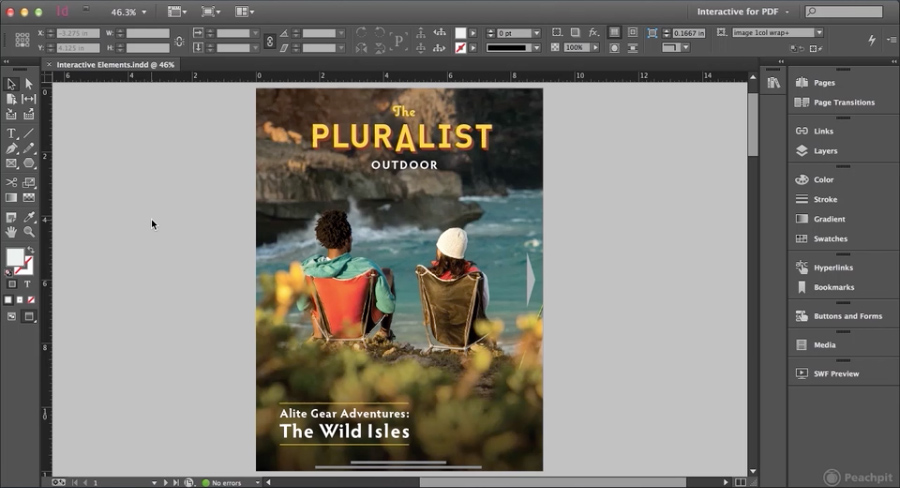
Unfortunately, it does not appear that InDesign offers the new darker interface found in Illustrator and Photoshop CS6.
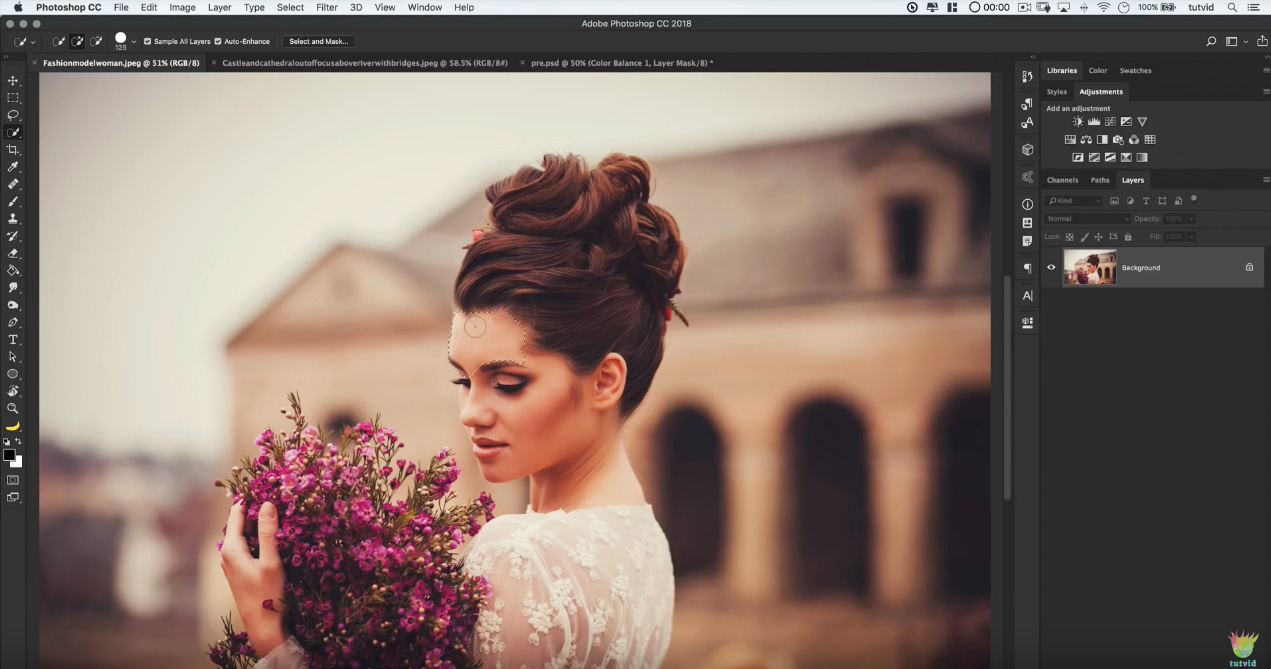
Following up the availability of Adobe Photoshop CS6 beta download, Adobe has released a new sneak peek video of Illustrator CS6. Of particular interest to me is that Illustrator sports the new darker interface to match Photoshop. I truly hope this optional feature will also be found in InDesign CS6 as well.

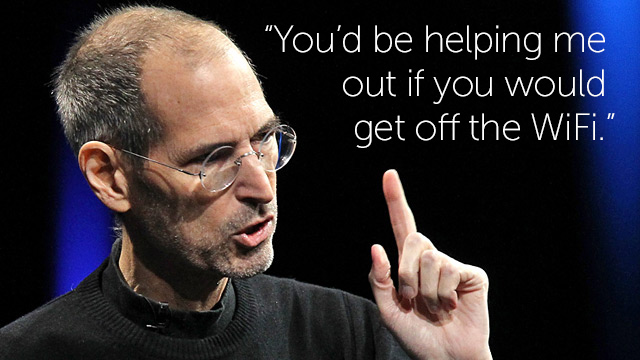
Look back at the career of Steve Jobs through this extensive collection of videos. Some of them are kinda funny to watch now – like how excited the audience was at the announcement and demonstration of WiFi on the clamshell iBooks back in the day.
There’s no Flash, no fancy JQuery, Javascript, or HTML5 going on behind the scenes with the image above. No, the image above is a plain old fashioned .gif file at its heart. Of course, there’s nothing plain about how this Cinemagraph was made.
Cinemagraph is finding its way onto a lot of websites because there’s no compatibility issues to deal with, and it has a fairly low technical barrier. Anyone with a copy of Adobe Photoshop and a video camera can produce a Cinemagraph image.
Check out these 28 sample Cinemagraph images, then when you’re ready to start making your own, visit Tested.com for a simple Cinemagraph tutorial.
Let me start out by saying that Eltima offers a free version of Elmedia Player, but I don’t recommend it because there are already several plugins and apps that integrate with the Mac OS and your browser to simply view videos not natively supported on the Mac. While Elmedia Player (free) does this well, it adds an extra step vs. browser plugins, etc. For a truly full-featured solution, you really need Elmedia Player Pro ($19.95).
Banned iPhone 4 promo video