
Quickly rotate your canvas view in Photoshop
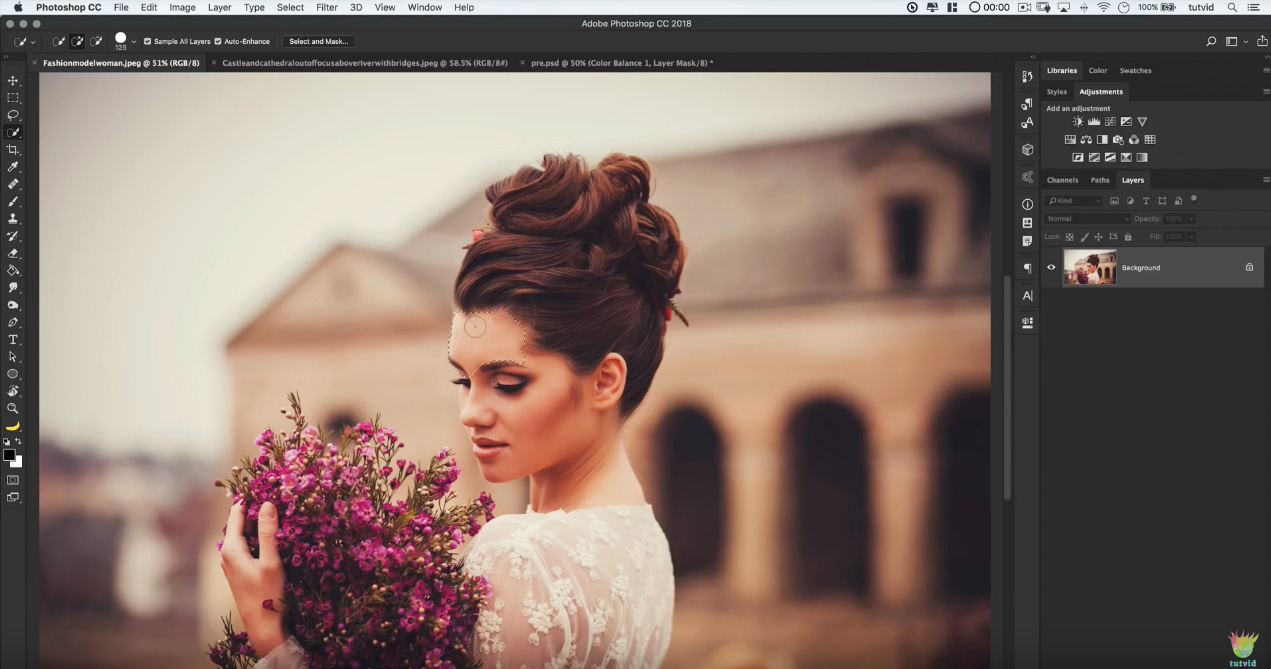
Adobe added a handy feature to Photoshop CS4 with the rotate canvas tool, which allows you to temporarily rotate your view of the canvas on screen without actually rotating the physical document. You can quickly rotate the canvas no matter what tool you currently have selected simply by holding down the R key for a second or two, then dragging your mouse to rotate the view.





4 COMMENTS
Wow thank you so much i agree with Marian, the same thing happened to me and i didn’t know how to fix it…THANK YOU!!!
Somehow I rotated my canvas with my trackpad, I wasn’t able to put it as originally the canvas should be, after reading lots of comments this one was the right answer to my problem! thanks a lot!
Awesome info! I never knew this capability existed. It’s a huge help! Thanks!
Glad to help!
Comments are closed.